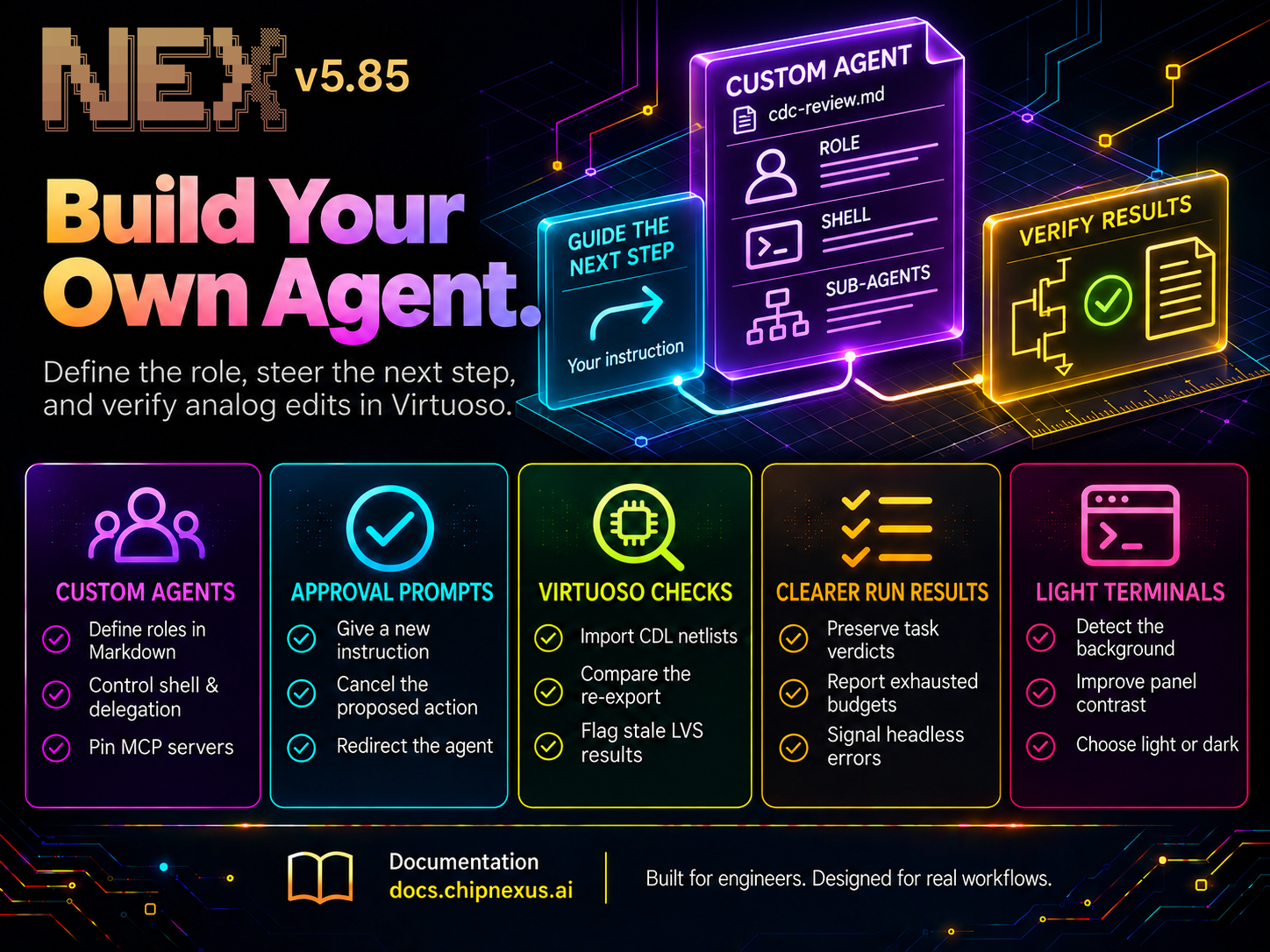
If your team starts every design review by giving NEX the same instructions, you can now write them once and launch the reviewer by name. A custom agent defines the role for a whole session: what to look for, how to report findings, and which tools it can use.
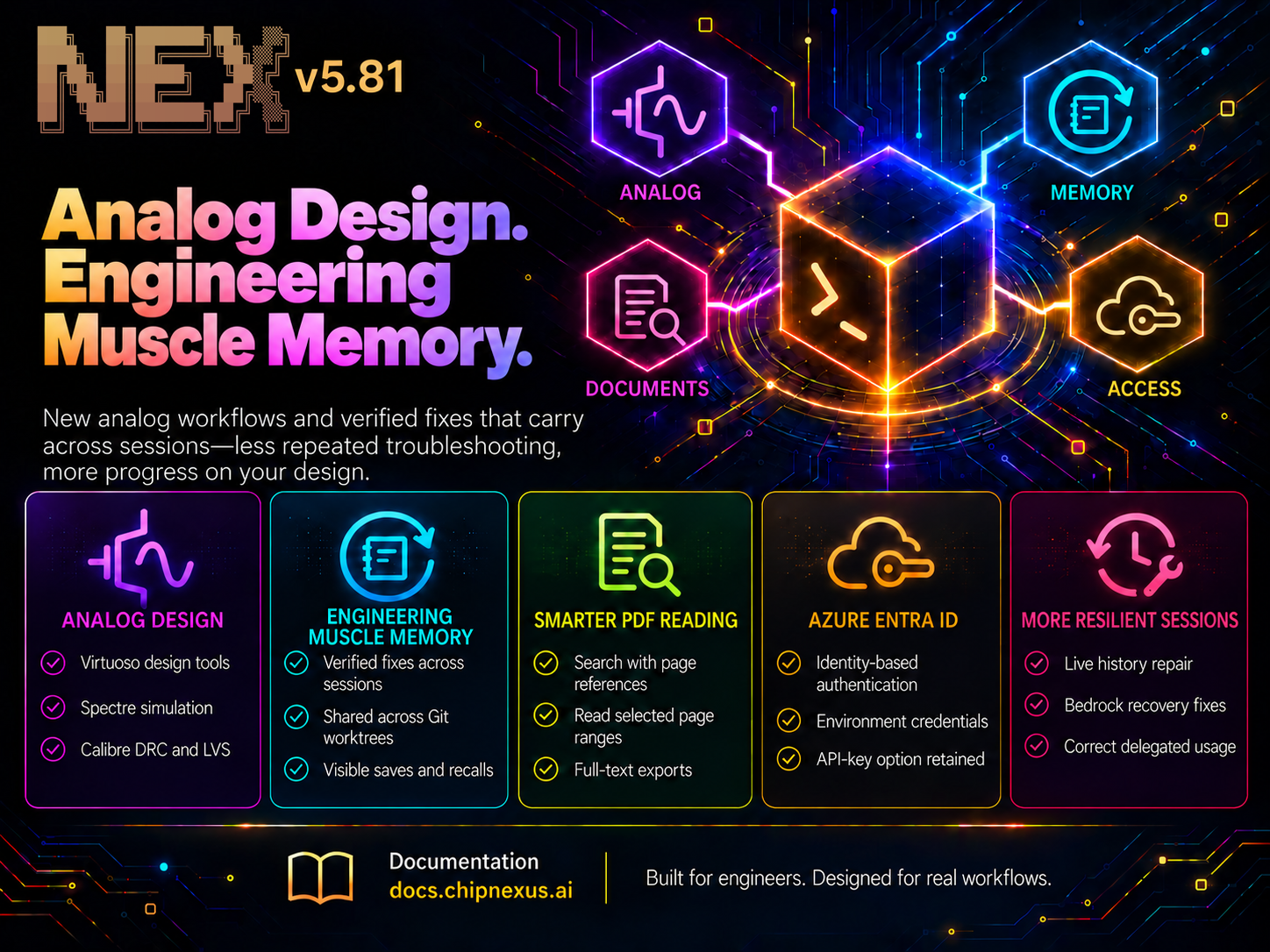
Since v5.81, NEX has also gained a way to redirect work at an approval prompt, checked CDL netlist import for Virtuoso, clearer results from delegated and headless runs, and a colour scheme for light terminals.
Getting Started / Updating NEX
New to NEX or updating from a previous version? Follow the installation and upgrade instructions in the official docs: Installation Guide.
Give a Recurring Job Its Own Agent
A skill gives NEX a procedure to use during a session. A custom agent gives the session itself a role. It combines your instructions with NEX’s built-in guidance, approval policy, NEX.md, and available skills. For example, a team reviewing clock-domain crossings can put the following definition in ./agents/cdc-review.md:
---
name: cdc-review
description: Review RTL for clock-domain crossing issues.
shell: false
---
Trace each signal that crosses between clock domains. Identify its source
and destination clocks and the synchronisation scheme you found.
Report each finding with a file reference. Flag unknown clocks for review.
Review and report only; do not edit or patch source files.
Start it with nex --agent cdc-review. Here, shell: false removes shell commands, background jobs, and skill-script execution. Skills still load, and file tools remain available under the active approval policy; the instruction in the body tells this reviewer to report without editing sources.
Custom agents can also declare which built-in sub-agents they may delegate to under subagents, such as verification, vivado, radiant, or virtuoso. Delegation is off until you name the sub-agents to expose. MCP servers declared under mcp come from your mcp.json and stay connected for the session. NEX’s built-in EDA integrations are reached through their sub-agents.
Keep definitions in the project’s ./agents/ directory to share them with the team, or in ~/.nex/agents/ for use across your projects. AGENTS_DIRECTORIES lets you add shared team folders and set their search order. You can also ask NEX to write a definition for you. Use /agents to see what it discovered and /agents reload to refresh the list; changes to a running agent’s definition take effect when you restart it.
Custom agents also support headless runs, so the same reviewer can be used from a script:
nex --agent cdc-review --prompt "Review rtl/fifo.sv" --json-output
The JSON result identifies the custom agent by name. The Custom Agents guide covers file options, delegation, MCP configuration, and session resume. Skills whose names overlap built-in commands remain reachable through /skill <name>.
Change Direction at an Approval Prompt
When NEX asks to run a command or edit a file, sometimes the right answer is another instruction. Suppose it proposes launching a full regression while you’re still tracking down one failing test. You can reply directly at the interactive approval prompt:
Run only the failing test and show me its log first.
NEX cancels the proposed action and passes your instruction back to the agent. You can narrow an expensive run, ask for evidence, or correct a target path at the point where the decision matters.
Bring an Existing Netlist into Virtuoso
The analog mode introduced in v5.81 could export a netlist from a schematic. NEX can now go the other way: it imports a CDL (Circuit Description Language) netlist into Virtuoso schematics through batch Spice In. The import follows the selected top-level subcircuit and the subcircuits it instantiates. If a device model cannot be mapped to a library cell, NEX identifies it before starting the import.
After import, NEX exports the resulting schematics back to CDL and compares them with the input, subcircuit by subcircuit. It checks pins, device counts, connectivity, and device dimensions and multiplicities. If the comparison finds a mismatch, the import reports the difference. That gives you a specific discrepancy to investigate before using the imported circuit.
Existing designs get tighter checks, too. NEX verifies device parameters before saving edited schematic instances and layout PCells. A layout edit can now flag contacts lost when a shape is removed or shrunk, and mark earlier layout-versus-schematic (LVS) results stale for the edited cell and affected parents. Calibre design rule check (DRC) reports list violating rules first and identify the cells involved.
CDL export now honours the project’s export settings and templates, and reports subcircuit pin lists. Schematic and layout edits also handle replacing devices and deleting then recreating an instance under the same name. Batch flows reject GUI-only SKILL entry points that could otherwise leave an unattended export waiting on a window.
Analog agents are now explicitly instructed to preserve process design kit (PDK), technology-library, and foundry files, and make any needed adjustments in project copies.
See How a Run Ended
When a delegated task runs out of its request budget, NEX now reports that outcome explicitly. Saved transcripts retain verdicts even when lengthy tool output must be shortened, so you can tell whether a check failed or the agent stopped before it could finish.
Scripts get a clearer signal as well. When a headless turn ends in an error, NEX exits with code 1 and reports status 500 in JSON output. A CI job can act on the exit code without parsing the agent’s prose. The exit codes and errors guide explains how to handle these results in automation.
NEX can also retry a model step when reasoning consumes its output allowance before producing an answer. This gives the step another chance to finish within the run’s retry budget.
For Claude models on the official Anthropic endpoint, NEX now defaults the output-token allowance to 32,000 unless you configure a different limit. Malformed tool arguments are also handled more robustly: an invalid file-read offset or limit can be returned to the model for correction without the display code aborting the session.
A Terminal Theme for Light Backgrounds
NEX now detects the terminal background at startup and adapts prompts, panels, code, and tool output for readability. On a light background, panels use a tinted surface and explicit dark text. Code highlighting also uses the file name to choose the appropriate language, and NEX enables truecolour output in terminals it recognises as supporting it.
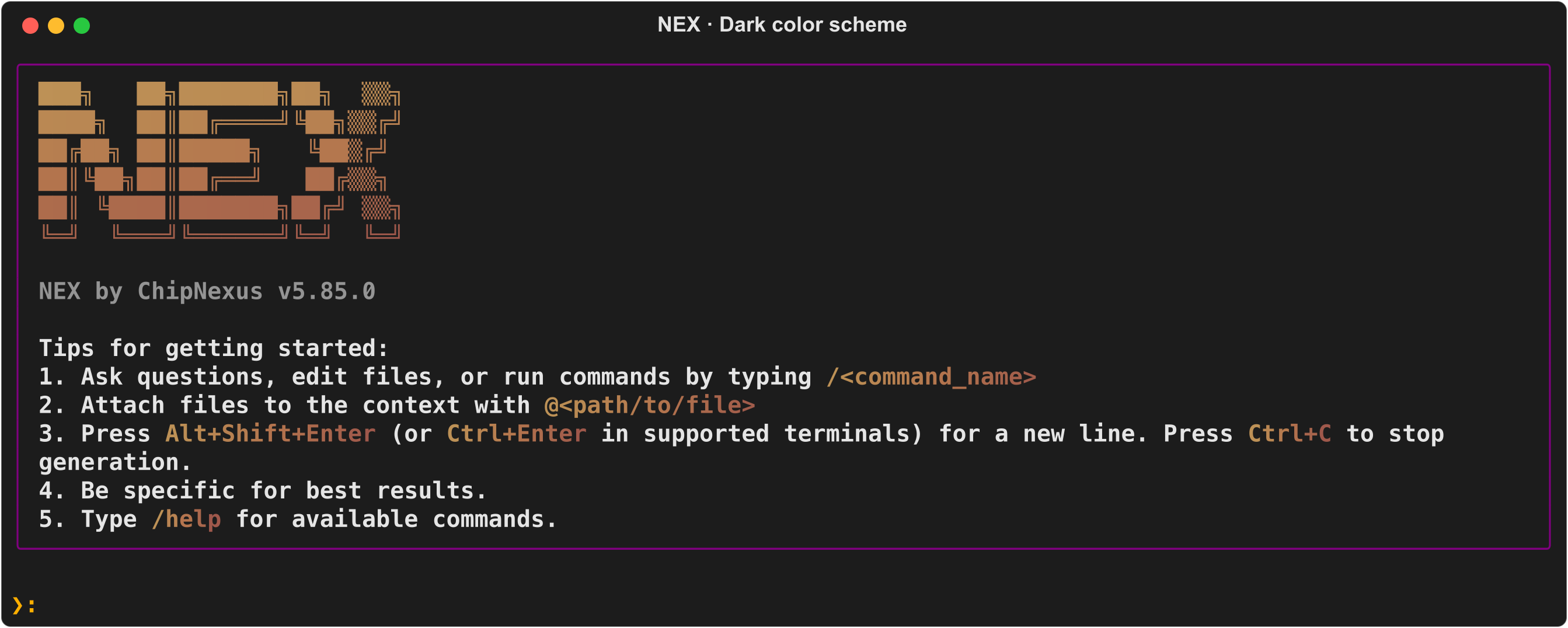
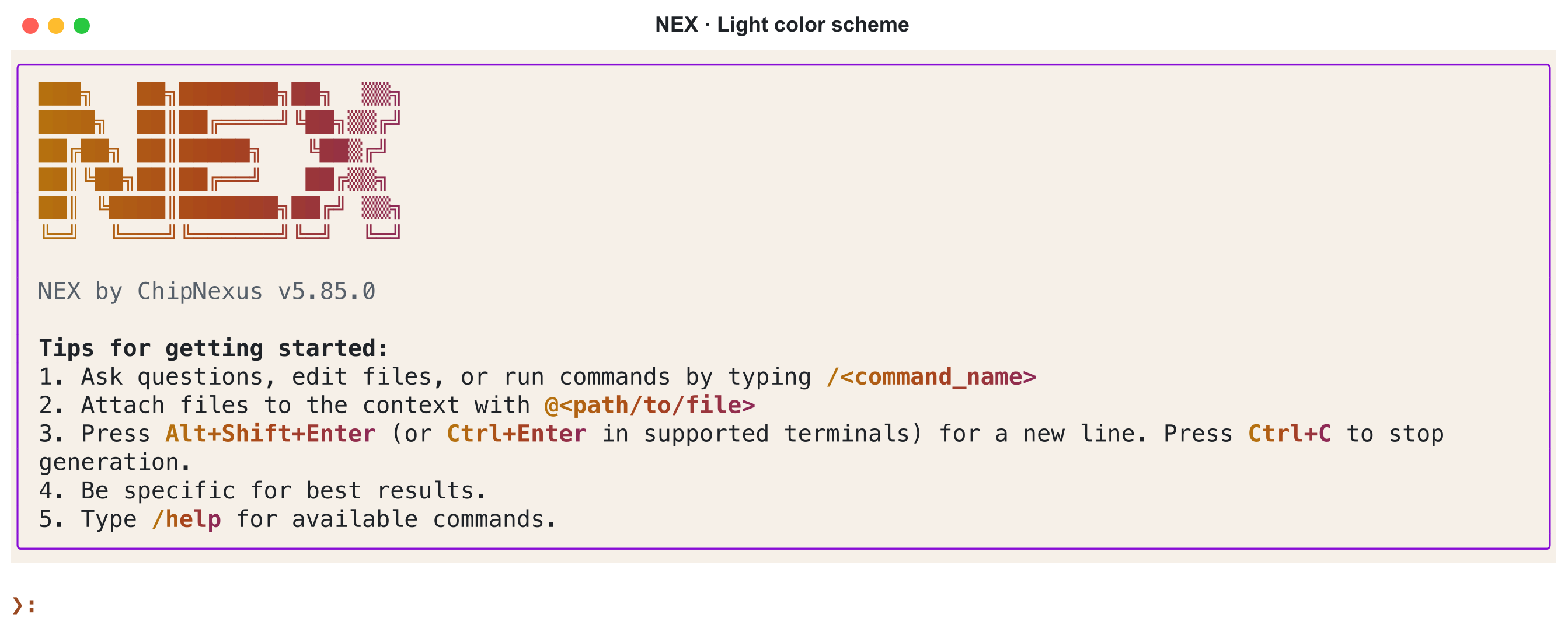
NEX v5.85 startup panels: dark above, light below. Click either image to enlarge.
Detection is automatic by default. Set NEX_COLOR_SCHEME=light or NEX_COLOR_SCHEME=dark if you prefer to choose the palette yourself. See Terminal Color Scheme for configuration and detection details; restart NEX after changing your terminal background or colour-scheme setting.
To try v5.85, start with a review your team repeats: give it a name, write down the evidence you expect, and launch it as a custom agent. The next engineer can run the same review from the same project file.