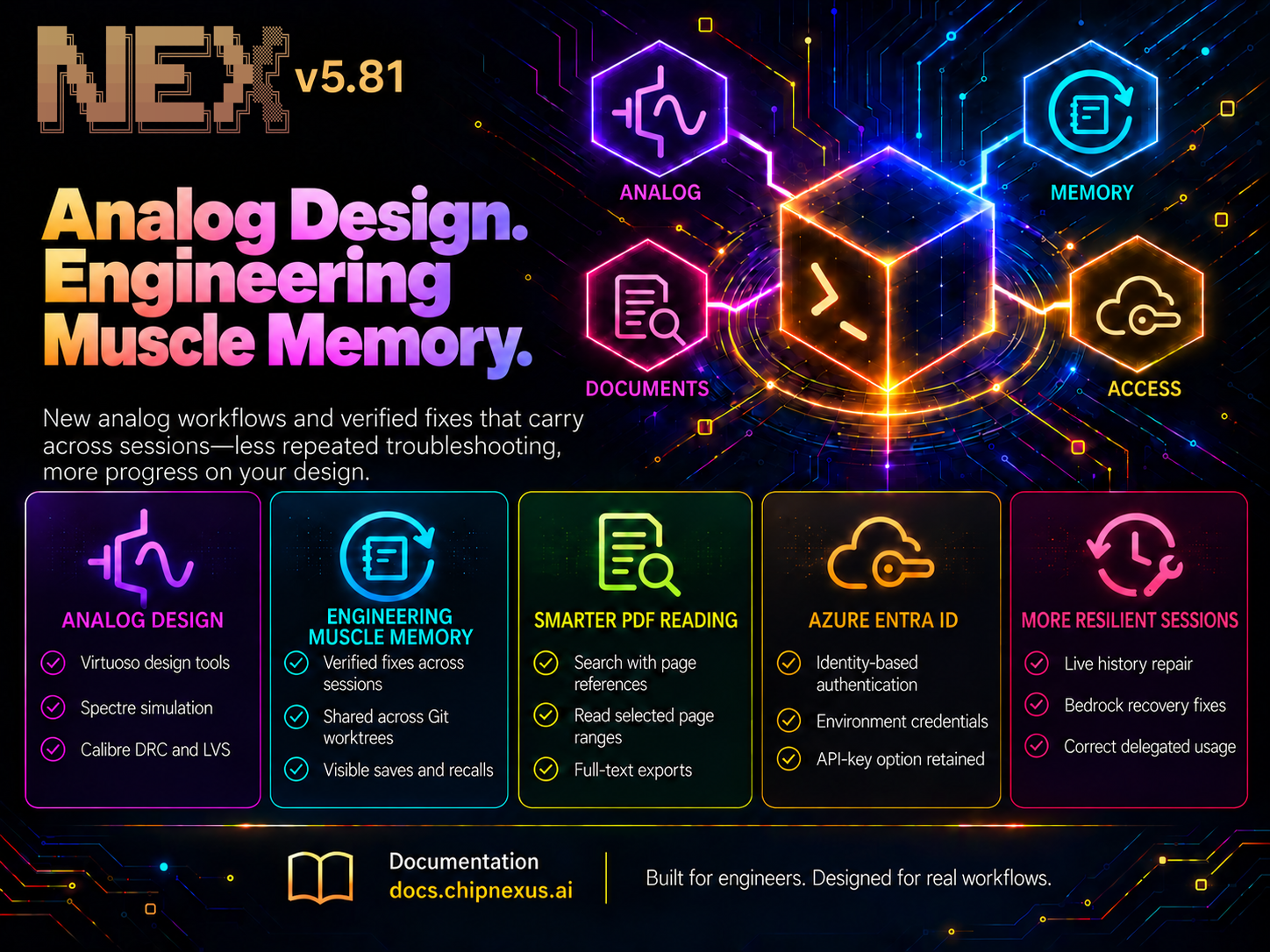
NEX v5.81 expands into analog design with a dedicated agent mode for Cadence Virtuoso, Spectre simulation, and Calibre physical verification. It also introduces engineering muscle memory: NEX saves verified fixes and recalls them in later sessions, helping reduce repeated troubleshooting and keep your design moving forward.
This release brings together the improvements since v5.74, including more focused reading of large PDFs, Microsoft Entra ID authentication for Azure, simpler skill and MCP commands, and more resilient long-running sessions.
Getting Started / Updating NEX
New to NEX or updating from a previous version? Follow the installation and upgrade instructions in the official docs: Installation Guide.
Bring NEX into Analog Design
NEX now includes a dedicated analog design mode, available through nex --agent=analog.
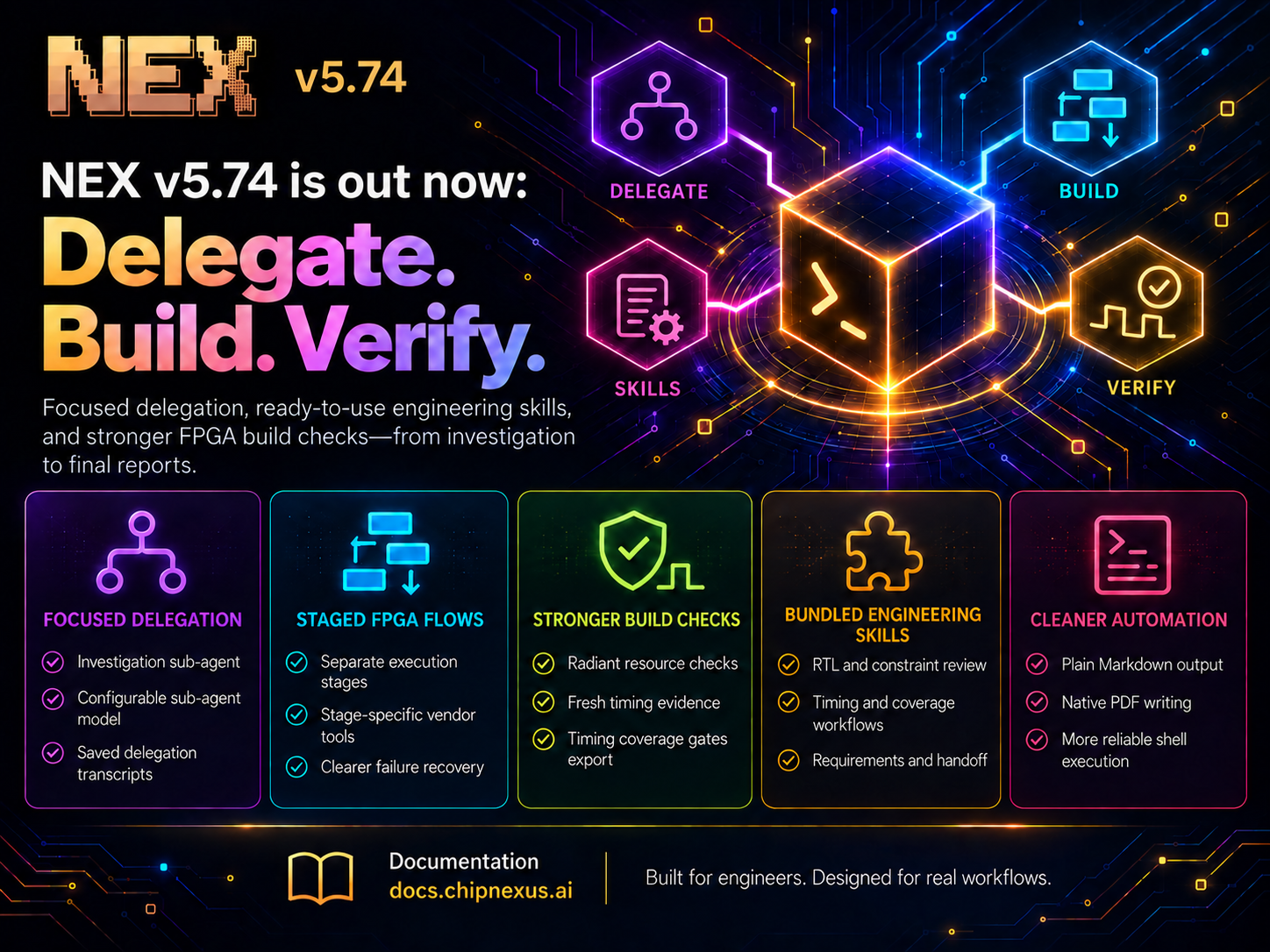
The analog manager coordinates project setup, schematic work, layout, simulation, physical verification, and reporting. It delegates each stage to a Virtuoso sub-agent with the tools and acceptance criteria needed for that step, extending the staged approach introduced for FPGA workflows in v5.74.
The new integration supports:
- Reading and editing Virtuoso schematics and layouts
- Inspecting libraries, technology information, symbol pins, and device parameters
- Exporting netlists, running Spectre simulations, and inspecting results
- Running Calibre design rule checks (DRC) and layout-versus-schematic checks (LVS)
- Importing and exporting GDS layout data, and comparing layouts against a reference
This brings more of the analog workflow into the same conversation. For example, NEX can inspect a circuit, make a scoped schematic change, simulate it, and report the measured results before moving on to layout work.
The integration runs on Linux and uses your installed EDA tools, licences, and process design kit (PDK), with the model files and verification decks required by the task.
Analog Results Grounded in Tool Evidence
The analog workflow carries forward the emphasis on verifiable results from v5.74.
Stage reports distinguish work that succeeded, work that ran but missed its acceptance criteria, and work that could not run. A DRC run with violations or an LVS result showing a mismatch is reported as incomplete work, with the findings returned to the manager for the next repair.
NEX is also instructed to check device operating points, use the relevant simulation analysis for each measurement, and report performance alongside its process corner, temperature, supply, and load conditions. This gives engineers the context needed to interpret a result and understand what remains to be checked.
The current integration covers pre-layout simulation and physical verification. Parasitic extraction and post-layout performance simulation remain outside this release’s toolset.
Build Engineering Muscle Memory
Engineering environments have their own recurring problems: a required module load, a tool that needs a particular flag, or a shell whose syntax differs from the one an agent expected.
NEX can now turn a solved problem into reusable engineering knowledge. When it encounters and fixes an error that would otherwise recur in a future session, it can record the verified resolution and apply it when the same problem appears again. This is engineering muscle memory built from practical experience, such as:
- Tool paths, environment settings, and version-specific requirements
- Required flags or invocation order
- Shell and operating-system quirks
- Tool-specific methods that were verified to produce the intended result
These entries live in .nex/memory.md and are made available to later sessions in the same repository. Linked Git worktrees share the main checkout’s error memory, so a fix discovered on one branch can be reused while working on another.
NEX shows when fixes are saved or recalled, and can update or remove entries when they stop being useful. User instructions and NEX.md take precedence over remembered fixes.
Error memory is enabled by default. Use --no-error-memory to start a session without it, or set ERROR_MEMORY=false for future runs.
Find the Right Pages in Large PDFs
Datasheets, reference manuals, and specifications often contain far more text than a task needs. NEX now supports a more focused way to read them.
Agents can search a PDF for relevant terms, receive matching passages with their page numbers, and then read selected pages or page ranges in full. When a document is too large to return inline, its extracted text is saved under .nex/pdf/ with a map from page numbers to text-file line ranges.
This makes it easier to locate a register description, timing requirement, or interface definition while retaining a clear reference to its source page. The same search and page-selection controls apply to OCR output for scanned documents when the required OCR dependencies are available.
The result is more useful document context, with less unrelated material entering the active conversation.
Azure Authentication with Microsoft Entra ID
Teams using Azure can now authenticate NEX with Microsoft Entra ID by enabling LLM_AZURE_USE_ENTRA_ID.
NEX uses Azure’s default credential chain to obtain credentials from the configured environment. This gives organisations an identity-based option for accessing their Azure-hosted models, alongside the existing API-key configuration.
The integration handles both versioned Azure OpenAI endpoints and the supported v1 endpoint path.
Simpler Skill and MCP Commands
Skills and external tool integrations now have dedicated command menus, keeping general help easier to scan as the available capabilities grow.
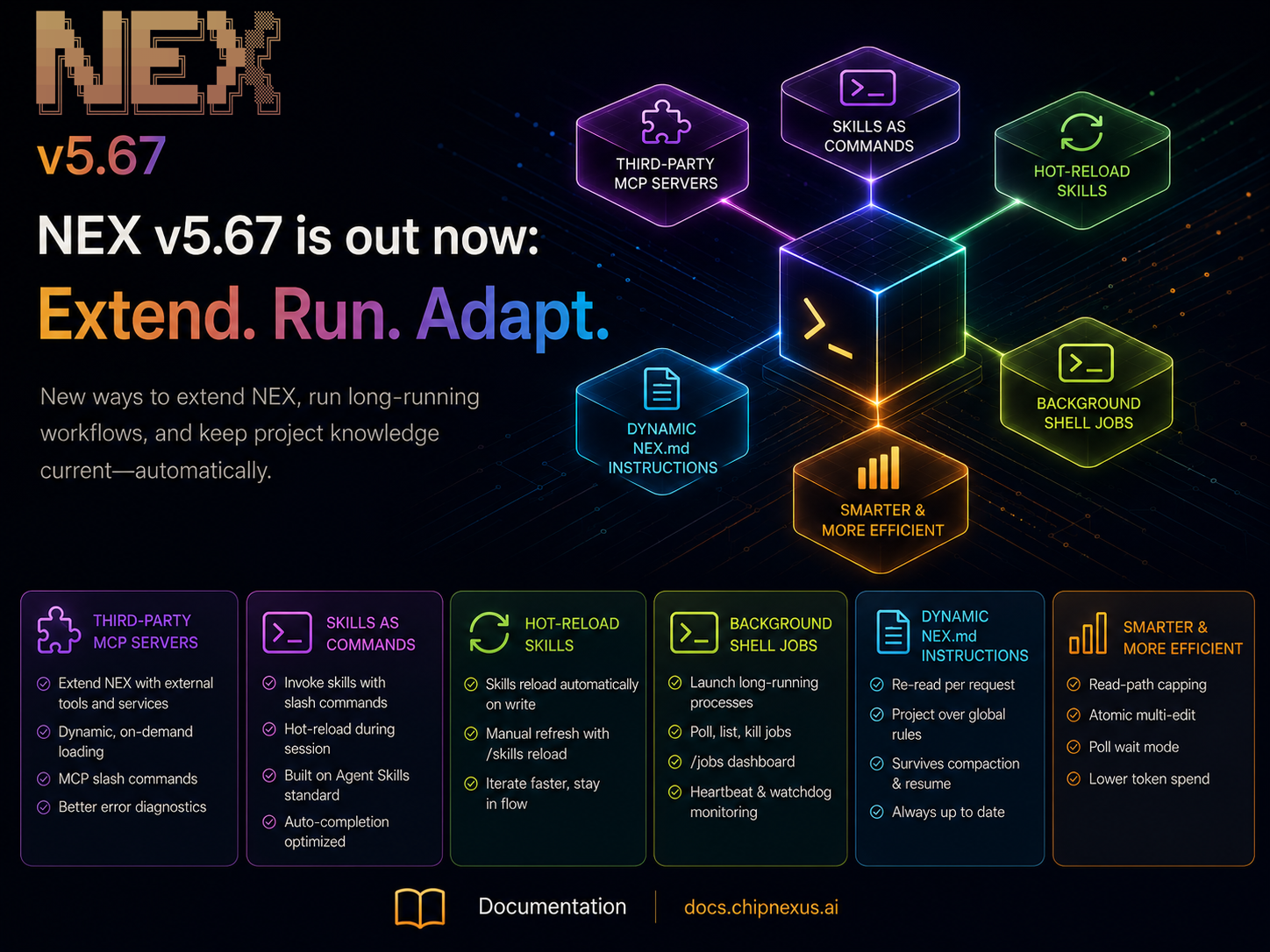
Use /skill to list available skills, /skill reload to refresh them, and /skill <name> to run one. For example:
/skill rtl-review
MCP server controls are grouped under /mcp, with /mcp list, /mcp mount <server_name>, and /mcp unmount available directly from the prompt. The older MCP command aliases remain recognised.
These changes make it easier to discover and manage capabilities without filling the main help screen with every individual skill.
More Resilient Long-Running Sessions
This release also improves recovery when a model provider rejects conversation history because tool calls and their results no longer pair correctly.
NEX can repair recognised history problems during an active session, preserve the pending user prompt, and retry with the repaired history. Additional fixes address Amazon Bedrock failures after context compaction, helping extended sessions continue through these interruptions.
Delegated usage accounting has also been corrected so each delegation’s usage is counted once, and background shell handling better preserves artifact paths across different shell environments.
NEX v5.81 brings analog design into the workflow and builds engineering muscle memory from verified fixes. With that knowledge available across sessions, more precise document reading, and stronger session recovery, teams can spend less time repeating troubleshooting and more time moving their designs forward.