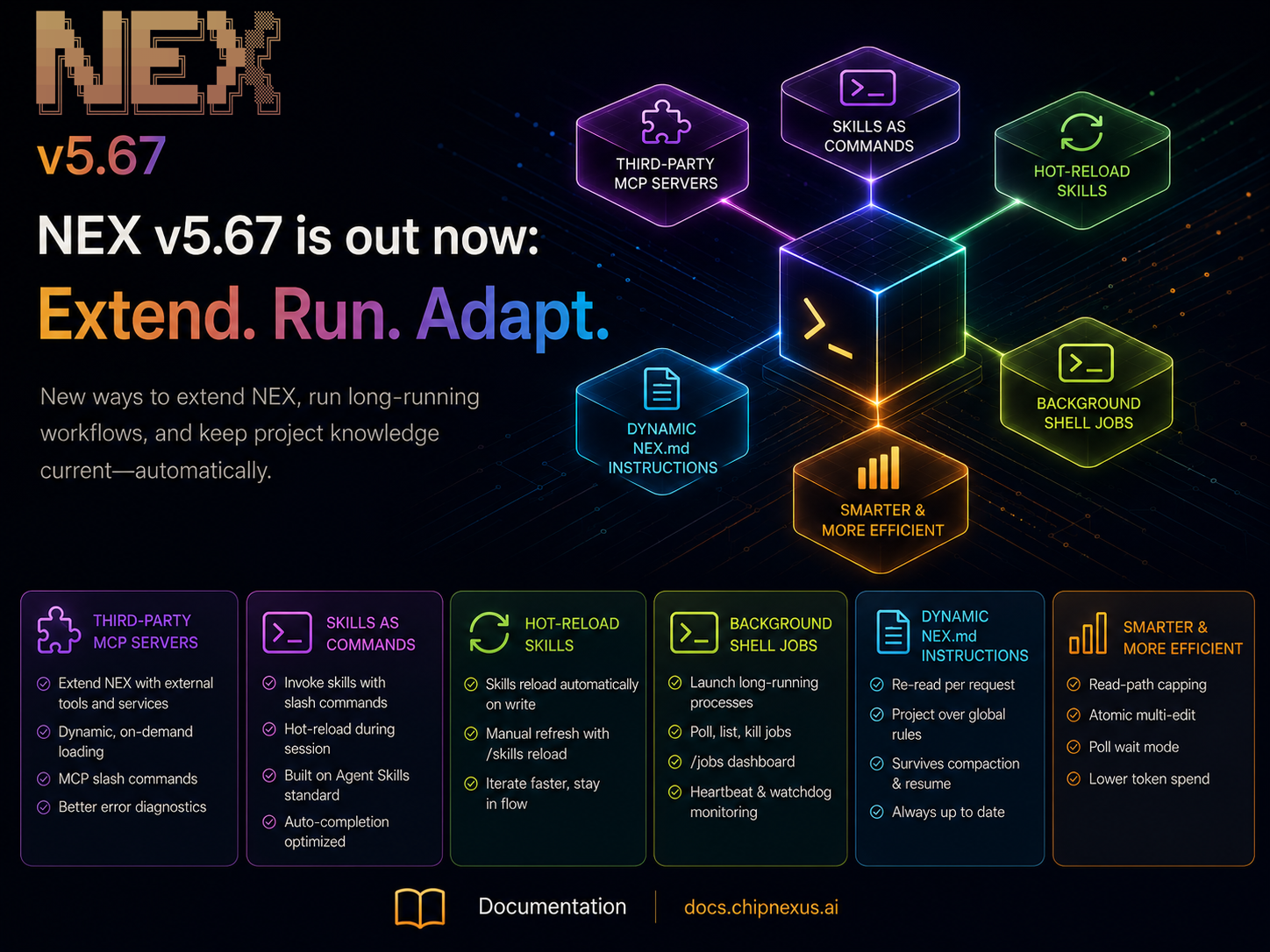
This release introduces third-party MCP server support, brings skills directly into the command workflow, adds background job management for long-running processes, and makes project instructions dynamically available throughout a session. It also includes several improvements aimed at reducing unnecessary token usage and making extended engineering workflows more efficient.
Getting Started / Updating NEX
New to NEX or updating from a previous version? Follow the installation and upgrade instructions in the official docs: Installation Guide.
Bring Your Own MCP Servers
NEX can now connect to third-party MCP servers. This opens the door to extending NEX beyond its built-in integrations with tools and services specific to your organisation, project, or engineering environment.
Third-party MCPs are loaded dynamically, and NEX only starts the servers required by the active workflow. New MCP-related slash commands also make integrations easier to inspect and manage directly from the CLI.
We’ve also improved failure handling around external MCPs. Configurable startup timeouts, project-local logs under .nex, and clearer diagnostics make broken or misconfigured integrations easier to troubleshoot.
The result is a more open NEX environment where specialised capabilities can be added without having to modify the core application.
Skills Become First-Class Commands
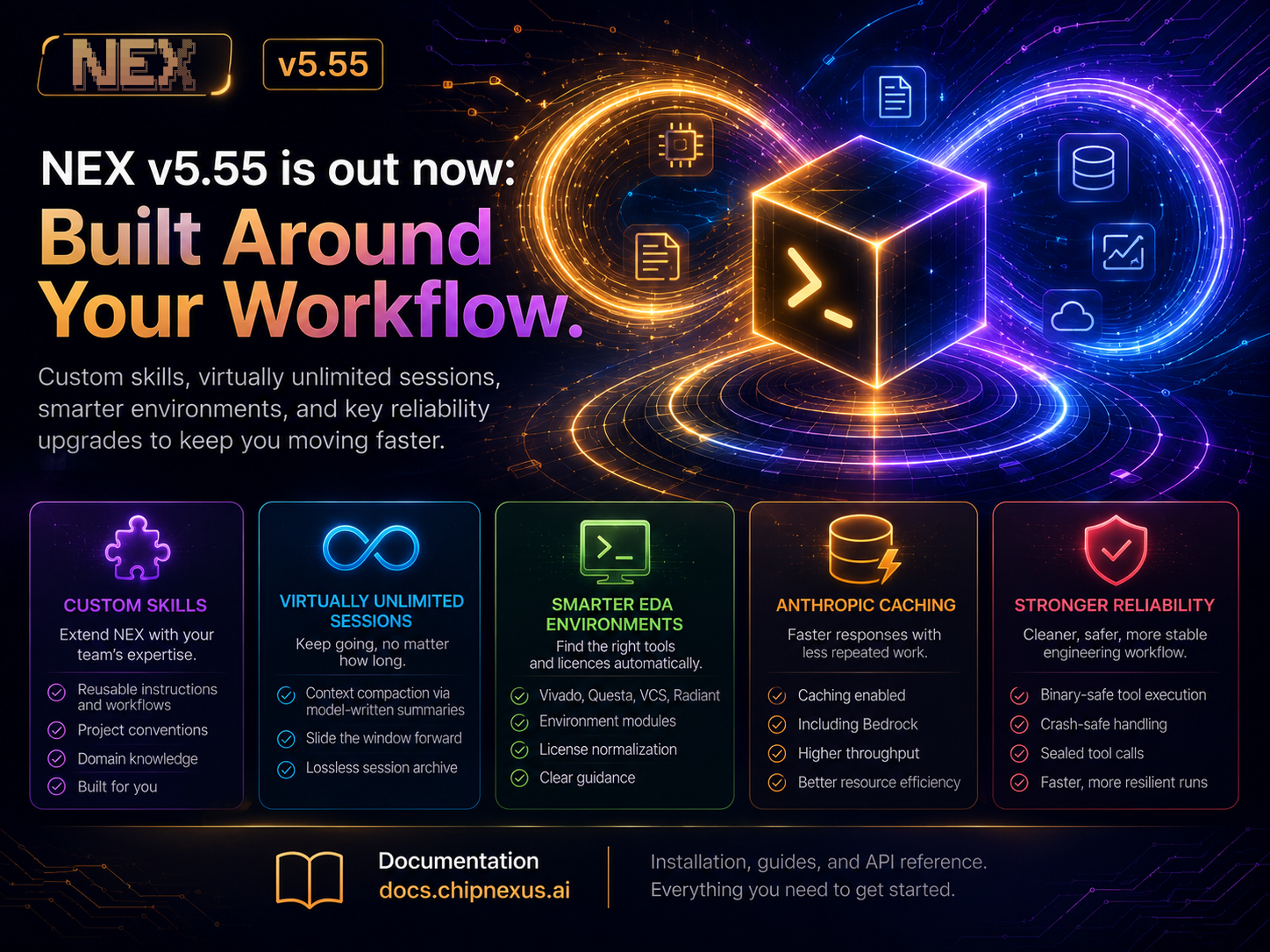
Custom skills were introduced in v5.55 using the open Agent Skills specification. With v5.67, they become much more immediate to use.
User-defined skills can now be invoked directly as slash commands from the NEX prompt. A skill can therefore represent a repeatable engineering workflow. For example:
- Running a project-specific review procedure
- Applying internal RTL conventions
- Preparing a verification environment
- Following a standard debugging sequence
- Executing a team-specific design checklist
Skills are also hot-reloaded while NEX is running. Changes written to a skill can become available during the same session, with /skills reload available when an explicit refresh is needed.
This makes skills easier to develop iteratively and turns reusable team knowledge into something engineers can invoke directly from their everyday workflow.
Long-Running Commands, Without Blocking NEX
NEX can now launch shell commands as background jobs. Instead of waiting for a long-running process to finish before continuing, agents can start the work and interact with it through dedicated tools for polling, listing, and terminating jobs.
The /jobs interface gives users visibility into active background processes, while NEX keeps track of job state and completion independently.
This is particularly useful for engineering operations such as:
- Long simulations and regressions
- Synthesis and implementation runs
- Builds and compilation
- Coverage generation
- Other processes that may run for hours
Background job handling also includes watchdog and heartbeat mechanisms so NEX can distinguish an actively running process from transport or shell failures.
Project Instructions That Stay Current
NEX.md is now treated as a standing source of project instructions throughout a session.
NEX re-reads the applicable instructions for each request, meaning changes to NEX.md can take effect without restarting the session.
Project-level instructions also take precedence over global settings when the two conflict, while both survive context compaction and session resume.
This matters particularly for the virtually unlimited sessions introduced in v5.55: long-running workflows can now continue while still respecting the latest project conventions and user-defined rules.
More Efficient Agent Workflows
v5.67 also introduces several optimisations designed to reduce unnecessary model context and token consumption.
Read operations are more tightly capped, multiple edits can be applied atomically, and background-job polling can wait efficiently rather than repeatedly sending unnecessary information through the agent loop.
These changes are especially valuable in repository-scale tasks involving many file reads, edits, or long-running commands.
Reliability for Longer Runs
Several lower-level improvements support these new workflows.
LLM timeouts now increase progressively across retries, streamed model responses have dedicated read timeouts, and the default execution limit has been increased substantially for larger tasks.
Background execution has also been hardened across Bash, csh, tcsh, and other shell environments, including better handling of working directories, exit status reporting, UTF-8 output boundaries, and job lifecycle management.
Together, these changes make extended agent-driven workflows more predictable across heterogeneous engineering environments.
NEX v5.67 makes the platform easier to extend with your own tools, easier to adapt with reusable skills and dynamic project instructions, and better suited to engineering work that continues beyond a single foreground command.