Getting Started / Updating NEX
New to NEX or updating from a previous version? Follow the installation and upgrade instructions in the official docs: Installation Guide.
This release brings one of the biggest productivity upgrades to NEX so far.
We’ve completely overhauled how NEX interacts with files, introduced native QuestaSim integration, and continued improving the day-to-day engineering experience with dozens of small but meaningful workflow enhancements.
Smarter File Editing, Built for Engineers
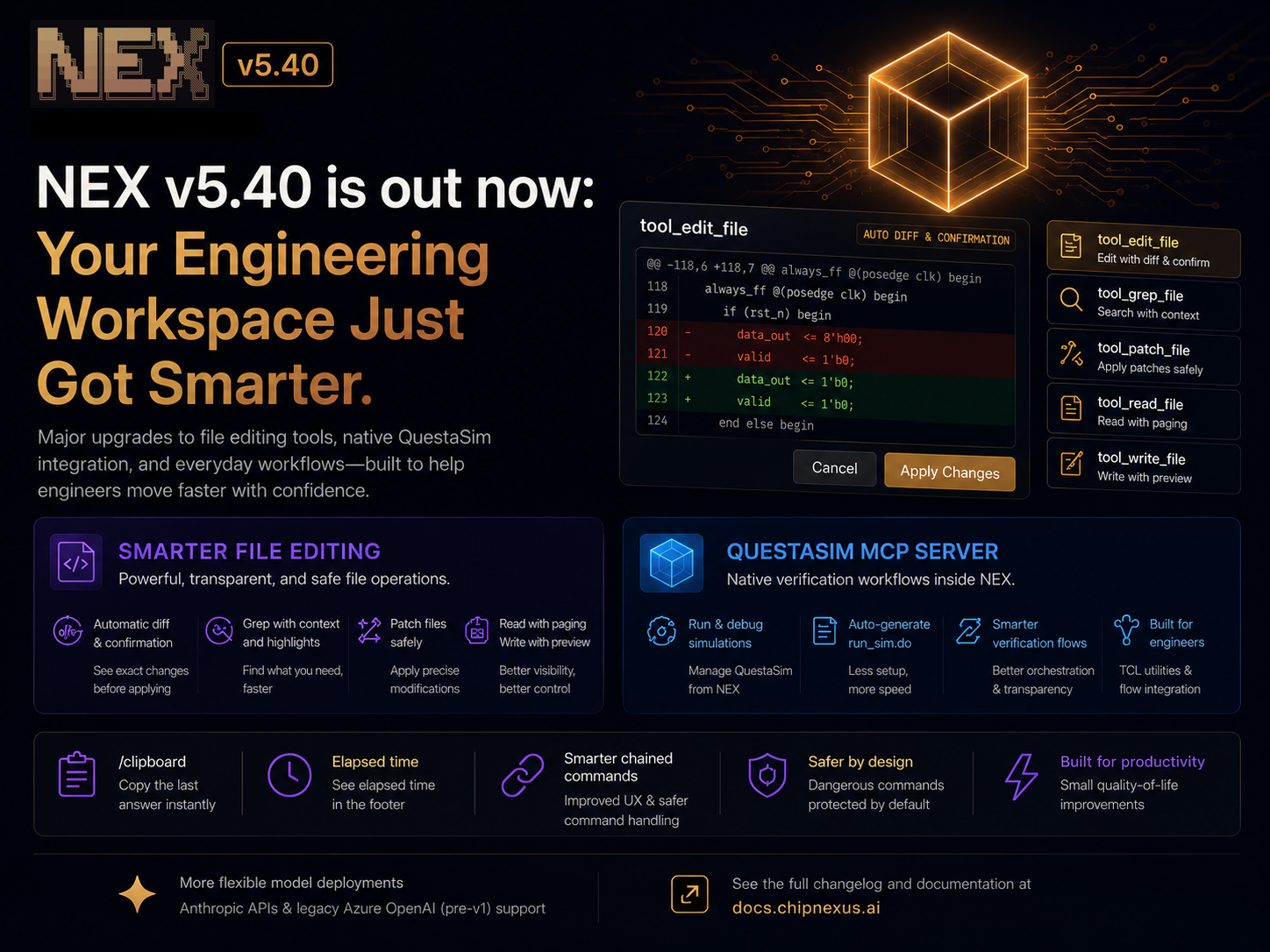
With v5.40, NEX gains a much more powerful and transparent set of file manipulation tools that behave much closer to how engineers actually work.
You can now:
- Edit files with automatic diffs and confirmation before applying changes
- Search files with contextual
grep - Apply targeted patches safely
- Preview file contents before writing
- Navigate large files with paging support
Most importantly, every operation is now much more visible. NEX surfaces relevant file and command context directly inside the interface, making it easier to understand exactly what the system is doing.
The result is a workflow that’s both faster and safer.
QuestaSim Comes to NEX
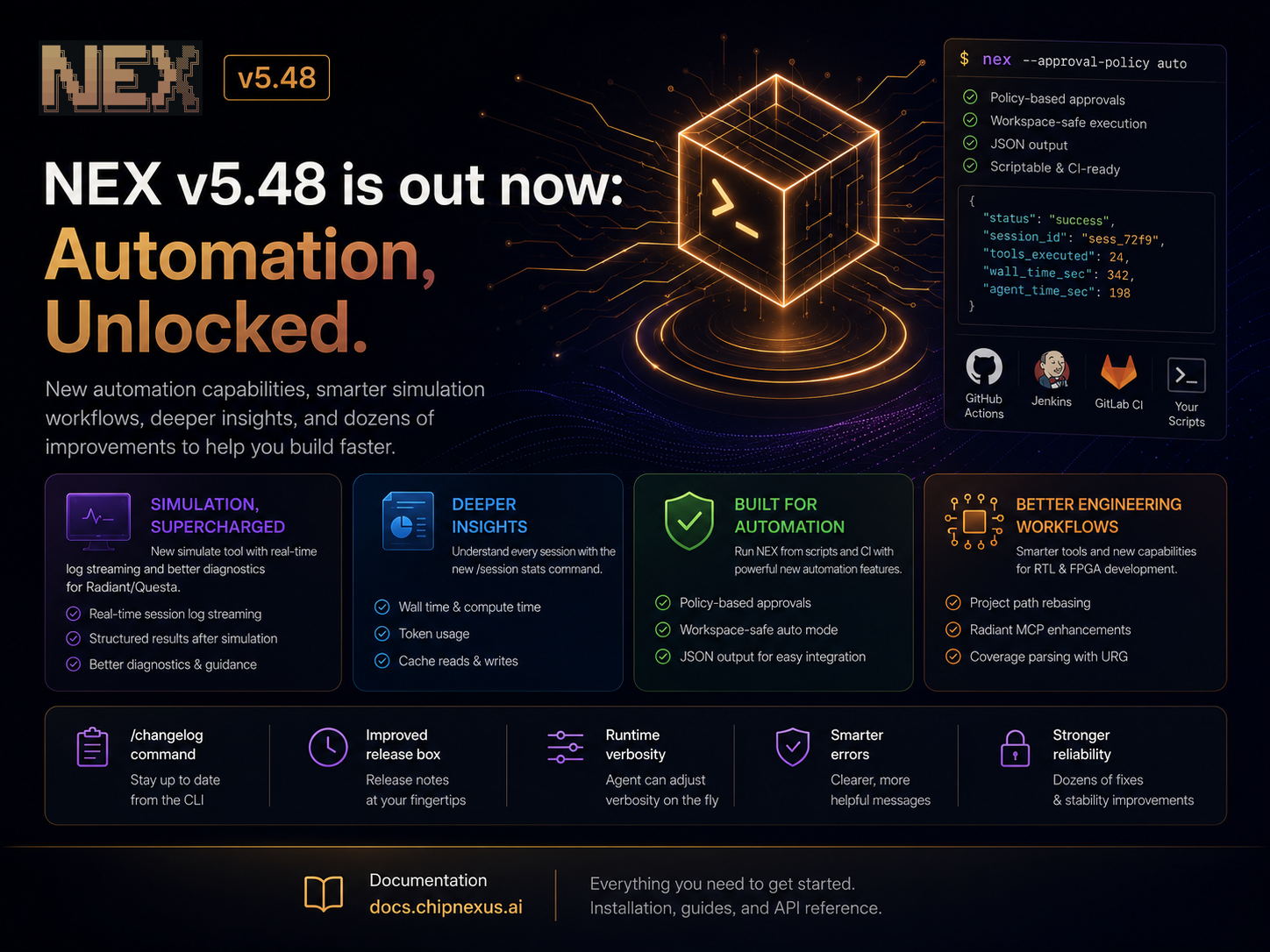
We’re also introducing a dedicated QuestaSim MCP server and verification workflow support.
This is an important step toward making NEX a true engineering workspace for hardware teams.
New capabilities include:
- Native QuestaSim integration
- Dedicated verification workflows
- Automatic generation of
run_sim.dofiles when missing - Improved orchestration around simulation tasks
The goal is simple: reduce the amount of manual glue code and repetitive setup work required to run verification flows.
Better Agent Tooling for FPGA Workflows
This release also introduces a new transpiler agent alongside additional Vivado TCL utilities.
Under the hood, we’ve overhauled portions of our IP generation and device enumeration infrastructure to create a stronger foundation for future FPGA and RTL automation capabilities.
More Flexible Model Deployments
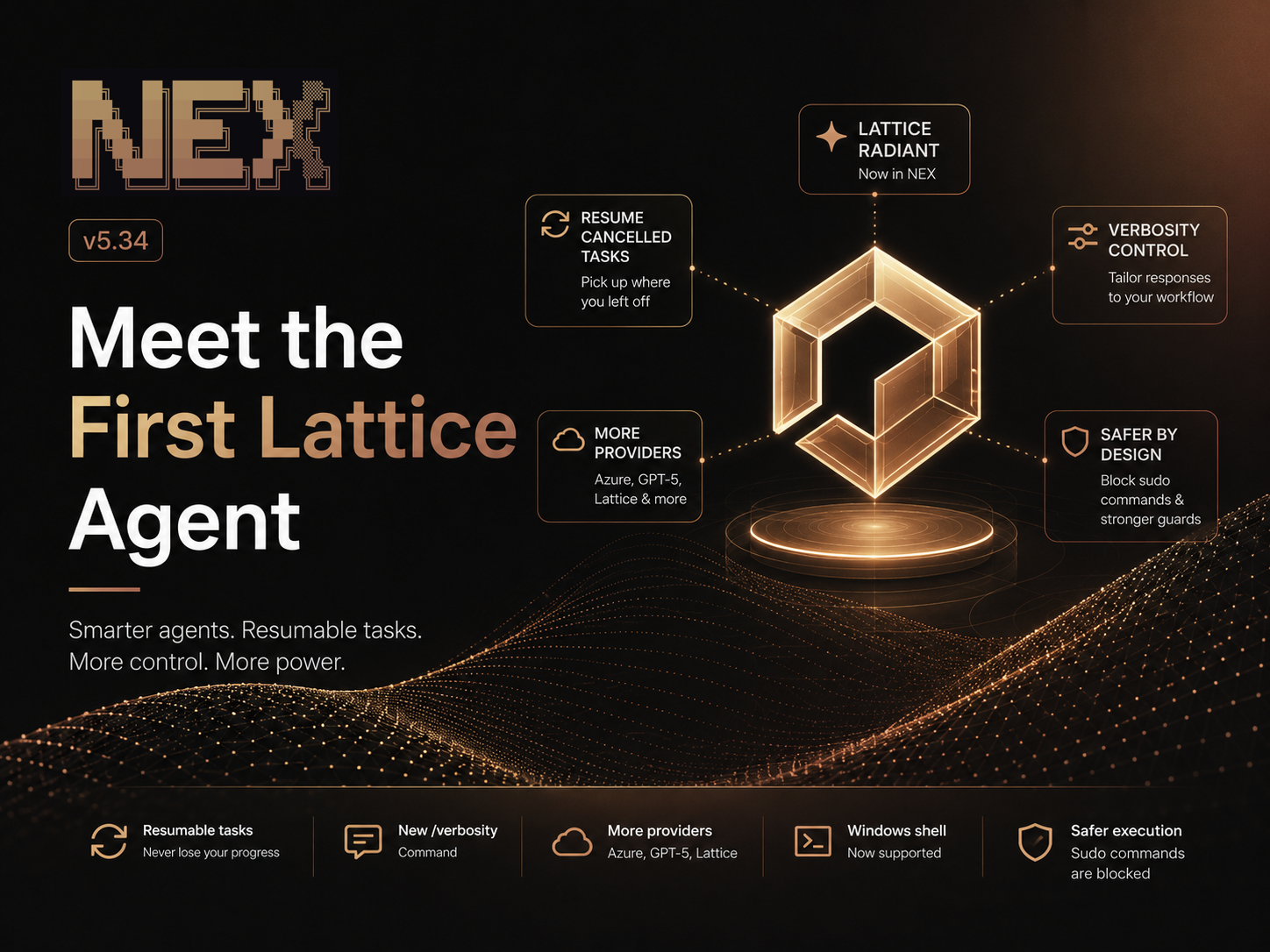
NEX now supports additional provider configurations, including:
- Anthropic API
- Legacy Azure OpenAI deployments (pre-v1 APIs)
This gives enterprise customers more flexibility when integrating NEX into existing AI infrastructure.
Small Improvements That Add Up
We also shipped several quality-of-life improvements throughout the platform:
/clipboardcopies the last answer directly to your system clipboard- Improved chained command handling for a smoother terminal experience
- Better safety defaults around dangerous commands and file deletion
- Elapsed time indicators for long-running tasks
- Numerous reliability and compatibility improvements
As always, thank you to everyone providing feedback, testing new workflows, and helping us shape the future of NEX.